Born the 23 of December 1968 Gachot was considered one of the sport’s most promising young drivers. He was signed by the newly- formed Onyx team, having played a role in attracting the team’s Moneytron sponsorship from the erratic Jean-Pierre van Rossem and partnered with the experienced Stefan Johansson.
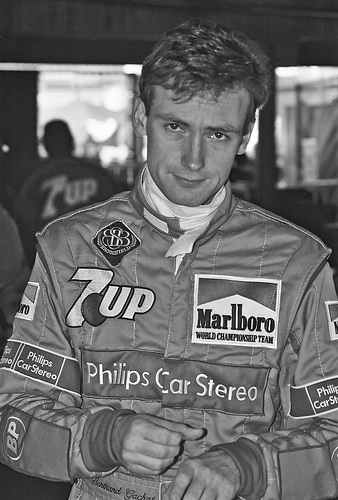
The team was well-funded but late in getting their car prepared. As a new entrant they were consigned to the hugely competitive Friday morning prequalifying sessions and it wasn’t until the French Grand Prix that Gachot made it onto the grid. There he impressed, starting 11th ( two places ahead of Johansson) and ran in the points until battery problems dropped him to an eventual 13th and last.
1990 was initially more promising as he switched to the Coloni team. The small Italian outfit had signed an exclusive deal with Subaru to use their new Carlo Chiti designed Motor Modern built 1235 flat-12 engine and Gachot was selected to drive the sole entry.
However the engine was overweight and underpowered, resulting in an ill-handling car that rarely ran for more than a few laps and Gachot didn’t look like getting out of prequalifying. Subaru withdrew entirely after the British Grand Prix. After that the car ran with a Cosworth DFR engine and performances improved; the withdrawal of Onyx ironically promoted Gachot to the main qualifying sessions but the car still wasn’t quick enough and he failed to the grid all season.
]]>Formula 1 f1
Born the 23 of December 1968 Gachot was considered one of the sport’s most promising young drivers. He was signed by the newly-formed Onyx team, having played a role in attracting the team’s Moneytron sponsorship from the erratic Jean-Pierre van Rossem and partnered with the experienced Stefan Johansson.  The team was well-funded but late in getting their car prepared. As a new entrant they were consigned to the hugely competitive Friday morning prequalifying sessions and it wasn’t until the French Grand Prix that Gachot made it onto the grid. There he impressed, starting 11th (two places ahead of Johansson) and ran in the points until battery problems dropped him to an eventual 13th and last. The team was well-funded but late in getting their car prepared. As a new entrant they were consigned to the hugely competitive Friday morning prequalifying sessions and it wasn’t until the French Grand Prix that Gachot made it onto the grid. There he impressed, starting 11th (two places ahead of Johansson) and ran in the points until battery problems dropped him to an eventual 13th and last. 1990 was initially more promising as he switched to the Coloni team. The small Italian outfit had signed an exclusive deal with Subaru to use their new Carlo Chiti designed Motori Moderni built 1235 flat-12 engine and Gachot was selected to drive the sole entry. However, the engine was overweight and underpowered, resulting in an ill-handling car that rarely ran for more than a few laps and Gachot didn’t look like getting out of prequalifying. Subaru withdrew entirely after the British Grand Prix. After that the car ran with a Cosworth DFR engine and performances improved; the withdrawal of Onyx ironically promoted Gachot to the main qualifying sessions but the car still wasn’t quick enough and he failed to make the grid all season. | Despite this Gachot was still highly regarded and was signed to lead the new Jordan Grand Prix team, well-backed by 7-Up and using Ford HB engines. The Gary Anderson designed 191 was a good car and after some initial reliability problems became a regular points scorer; Gachot finished 5th in Canada and 6th twice. He gathered considerable acclaim for his Grand Prix performances and for winning the Le Mans 24 Hours in a Mazda (with co-drivers Johnny Herbert and Volker Weidler). However, shortly after setting fastest lap at the Hungarian Grand Prix his season was cut short by a two-month prison stint, received for spraying CS gas on a London taxicab driver after a traffic altercation (his race seat was filled temporarily by then-unknown Michael Schumacher, making his Formula One debut). When he was finally released from prison after two months, he had missed four Grands Prix (including his home Grand Prix in Belgium). He travelled to Suzuka to try and retake his Jordan seat from Alessandro Zanardi. The team refused, though Gachot found employment with Larrousse, replacing the injured Éric Bernard for the Australian Grand Prix. He failed to qualify the unfamiliar car but impressed the team enough to be offered the seat for the following season. When he was finally released from prison after two months, he had missed four Grands Prix (including his home Grand Prix in Belgium). He travelled to Suzuka to try and retake his Jordan seat from Alessandro Zanardi. The team refused, though Gachot found employment with Larrousse, replacing the injured Éric Bernard for the Australian Grand Prix. He failed to qualify the unfamiliar car but impressed the team enough to be offered the seat for the following season.In later years, Gachot has concentrated on his business interests which include marketing “Hype”, a high-energy beverage; he still keeps his contacts with Formula One and owns an F1 website. To read more, please click here |
Racing Record

Complete International Formula 3000 results
(key) (Races in bold indicate pole position) (Races in italics indicate fastest lap)
| Year | Entrant | 1 | 2 | 3 | 4 | 5 | 6 | 7 | 8 | 9 | 10 | 11 | DC | Points |
|---|---|---|---|---|---|---|---|---|---|---|---|---|---|---|
| 1988 | Spirit/TOM’s Racing | JER Ret | VAL 2 | PAU Ret | SIL 2 | MNZ Ret | PER Ret | BRH Ret | BIR 5 | BUG 4 | ZOL 6 | DIJ 4 | 5th | 21 |
Complete Formula One results
Complete 24 Hours of Le Mans results

| Year | Class | No | Tyres | Car | Team | Co-Drivers | Laps | Pos. | Class Pos. |
|---|---|---|---|---|---|---|---|---|---|
| 1990 | GTP | 201 | D | Mazda 787MazdaR26B 2.6L 4-Rotor | MazdaspeedCo. Ltd. | Volker Weidler Johnny Herbert | 148 | DNF | DNF |
| 1991 | C2 | 55 | D | Mazda 787BMazdaR26B 2.6L 4-Rotor | MazdaspeedCo. Ltd. | Volker Weidler Johnny Herbert | 362 | 1st | 1st |
| 1992 | C1 | 5 | M | Mazda MXR-01Mazda(Judd) MV10 3.5L V10 | MazdaspeedCo. Ltd. Oreca | Johnny Herbert Volker Weidler Maurizio Sandro Sala | 336 | 4th | 4th |
| 1994 | GT2 | 48 | D | Honda NSXHonda-935 3.0L V6 | KremerHonda Racing | Armin HahneChristophe Bouchut | 257 | 14th | 6th |
| 1995 | GT1 | 47 | D | Honda NSXGT1Honda 3.0L Turbo V6 | Honda Motor Co. Ltd. | Armin Hahne Ivan Capelli | 7 | DNF | DNF |
| 1997 | GT1 | 30 | G | Porsche 911 GT1Porsche 3.2L Turbo Flat-6 | Kremer Racing | Christophe BouchutAndy Evans | 207 | DNF | DNF |
American Open Wheel racing results
CART
| Year | Team | 1 | 2 | 3 | 4 | 5 | 6 | 7 | 8 | 9 | 10 | 11 | 12 | 13 | 14 | 15 | 16 | Rank | Points |
|---|---|---|---|---|---|---|---|---|---|---|---|---|---|---|---|---|---|---|---|
| 1993 | Dick Simon Racing | SRF | PHX | LBH | INDY | MIL | DET | POR | CLE | TOR 12 | MIS | NHM | ROA | VAN | MDO | NZR | LS | 34th | 1 |
Gachot Family
Contact please click here
Hype Energy Drinks
The functional Drinks Brand. #HYPEMEUP
Hype Energy was one of the first energy drinks to hit the market way back in 1994. Originally launched by Hard Rock Café founder Barry Fox, Hype Energy became heavily involved in motor-sport by first sponsoring the Arrows Formula One team and subsequently Benetton F1, Williams F1, a NASCAR outfit and several motorbike teams. Associated with the Formula One party lifestyle and with a strong presence in the paddock, Hype Energy committed huge funds to sponsorship in order to achieve global recognition and establish worldwide distribution.
In 1997, former Formula One racing driver and 24 Hours of Le Mans winner, Bertrand Gachot, signed a distribution agreement with Hype Energy in order to introduce the product to France. Gachot was one of a handful of distributors who remained seriously committed to the brand and in 1998 he approached the Swiss licensor to buy the company holding the Hype Energy trademarks.
In May 2000, after two years of negotiation, Gachot came to an agreement and restructured the company. Until 2000 Hype Energy had four products in its portfolio: Hype MFP with a strawberry and cranberry flavour, Hype Energy Morning Rush with a citrus flavour, Hype Passion Attack with passion fruit and Hype Night Boost with peach.
In May 2000, the company launched a new version of Hype Energy into selected markets. The culmination of 18 months of development, Hype Energy now used fresh fruit juice, contained ten vitamins and had no artificial colours or preservatives, as it was pasteurised. The improved Hype Energy product gave the company a substantial boost.
It was first launched in France and the Persian Gulf, then the USA and Canada, and by 2001 it had achieved significant global growth. Today, the Hype Energy drink range comprises Hype Energy, Hype Energy MFP, Hype Energy MFP Zero Max, the low-calorie Hype Energy Enlite, Hype Energy Shots and, the newest flavour, Hype Energy Up.
The brand is now present in more than 40 countries across the globe from the USA, Canada, Honduras and Panama to Africa and the Middle East. Hype Energy is manufactured in the USA, Canada and the Netherlands, and has marketing headquarters in Europe and Dubai.
On the topic of alignment, it should be noted that users can choose from the options of None, Left, Right, and Center. If the theme has added support for align wide, images can also be wide and full width. Be sure to test this page in RTL mode.
In addition, they also get the options of the image dimensions 25%, 50%, 75%, 100% or a set width and height.

The image above happens to be centered.

The rest of this paragraph is filler for the sake of seeing the text wrap around the 150×150 image, which is left aligned.
As you can see the should be some space above, below, and to the right of the image. The text should not be creeping on the image. Creeping is just not right. Images need breathing room too. Let them speak like you words. Let them do their jobs without any hassle from the text. In about one more sentence here, we’ll see that the text moves from the right of the image down below the image in seamless transition. Again, letting the do it’s thang. Mission accomplished!
And now for a massively large image. It also has no alignment.

The image above, though 1200px wide, should not overflow the content area. It should remain contained with no visible disruption to the flow of content.
And now we’re going to shift things to the right align. Again, there should be plenty of room above, below, and to the left of the image. Just look at him there… Hey guy! Way to rock that right side. I don’t care what the left aligned image says, you look great. Don’t let anyone else tell you differently.
In just a bit here, you should see the text start to wrap below the right aligned image and settle in nicely. There should still be plenty of room and everything should be sitting pretty. Yeah… Just like that. It never felt so good to be right.
And just when you thought we were done, we’re going to do them all over again with captions!
The image above happens to be centered. The caption also has a link in it, just to see if it does anything funky.
The rest of this paragraph is filler for the sake of seeing the text wrap around the 150×150 image, which is left aligned.
As you can see the should be some space above, below, and to the right of the image. The text should not be creeping on the image. Creeping is just not right. Images need breathing room too. Let them speak like you words. Let them do their jobs without any hassle from the text. In about one more sentence here, we’ll see that the text moves from the right of the image down below the image in seamless transition. Again, letting the do it’s thang. Mission accomplished!
And now for a massively large image. It also has no alignment.
The image above, though 1200px wide, should not overflow the content area. It should remain contained with no visible disruption to the flow of content.
And now we’re going to shift things to the right align. Again, there should be plenty of room above, below, and to the left of the image. Just look at him there… Hey guy! Way to rock that right side. I don’t care what the left aligned image says, you look great. Don’t let anyone else tell you differently.
In just a bit here, you should see the text start to wrap below the right aligned image and settle in nicely. There should still be plenty of room and everything should be sitting pretty. Yeah… Just like that. It never felt so good to be right.
Imagine that we would find a use for the extra wide image! This image has the wide width alignment:
Can we go bigger? This image has the full width alignment:
And that’s a wrap, yo! You survived the tumultuous waters of alignment. Image alignment achievement unlocked! One last thing: The last item in this post’s content is a thumbnail floated right. Make sure any elements after the content are clearing properly.
If you do not add a link, a link tag without an anchor will be used.
Check to make sure that the text wraps correctly when the button has more than one line of text, and when it is extra long.
Buttons have three styles:
If the theme has a custom color palette, test that background color and text color settings work correctly.
Now lets test how buttons display together with large texts.
Lorem ipsum dolor sit amet, consectetuer adipiscing elit. Donec mollis. Quisque convallis libero in sapien pharetra tincidunt. Aliquam elit ante, malesuada id, tempor eu, gravida id, odio.
Maecenas suscipit, risus et eleifend imperdiet, nisi orci ullamcorper massa, et adipiscing orci velit quis magna. Praesent sit amet ligula id orci venenatis auctor. Phasellus porttitor, metus non tincidunt dapibus, orci pede pretium neque, sit amet adipiscing ipsum lectus et libero. Aenean bibendum. Curabitur mattis quam id urna.
Vivamus dui. Donec nonummy lacinia lorem. Cras risus arcu, sodales ac, ultrices ac, mollis quis, justo. Sed a libero. Quisque risus erat, posuere at, tristique non, lacinia quis, eros.
]]>This is a left aligned cover block with a background image.
The cover block lets you add text on top of images or videos.
This blocktype has several alignment options, and you can also align or center the text inside the block.
The background image can be fixed and you can change its opacity and add an overlay color.
Make sure that the text wraps correctly over the image, and that text markup and alignments are working.
The next image should have a pink overlay color, the text should be bold and aligned to the left:
A center aligned cover image block, with a left aligned text.
This is a full width cover block with a fixed background image with a 20% opacity.
Make sure that all the text is readable.
Our last cover image block has a wide width.
This is a wide cover block with a video background.
Compare the video and image blocks.
This block is centered.
The block below has no alignment, and the text is a link. Overlay colors must also work with video backgrounds.
]]>Below is a three column gallery at full width, with cropped images.
Lorem ipsum dolor sit amet, consectetuer adipiscing elit. Donec mollis. Quisque convallis libero in sapien pharetra tincidunt. Aliquam elit ante, malesuada id, tempor eu, gravida id, odio. Maecenas suscipit, risus et eleifend imperdiet, nisi orci ullamcorper massa, et adipiscing orci velit quis magna. 
Sunburst over the Clinch River, Southwest Virginia. 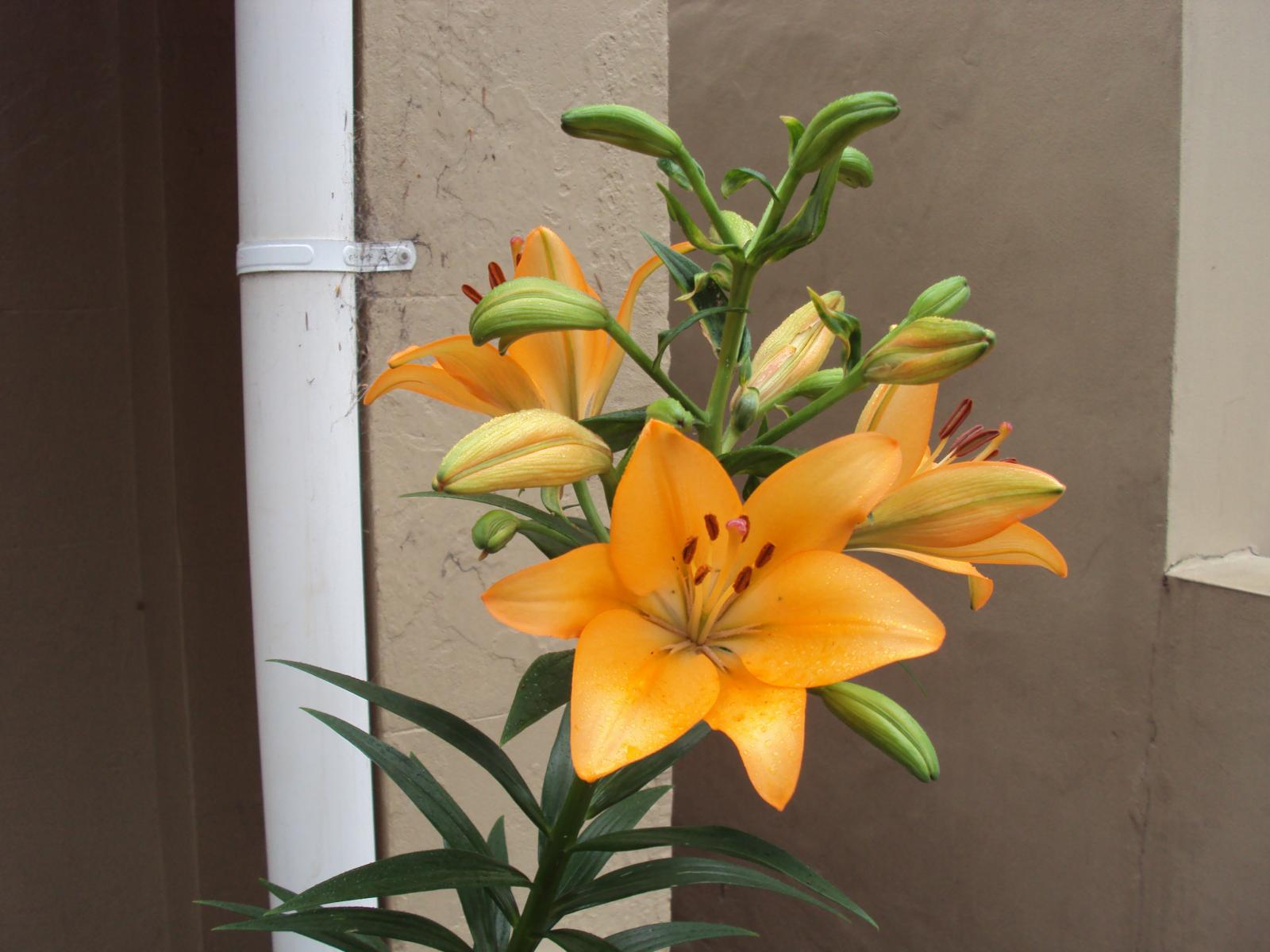
Orange Iris 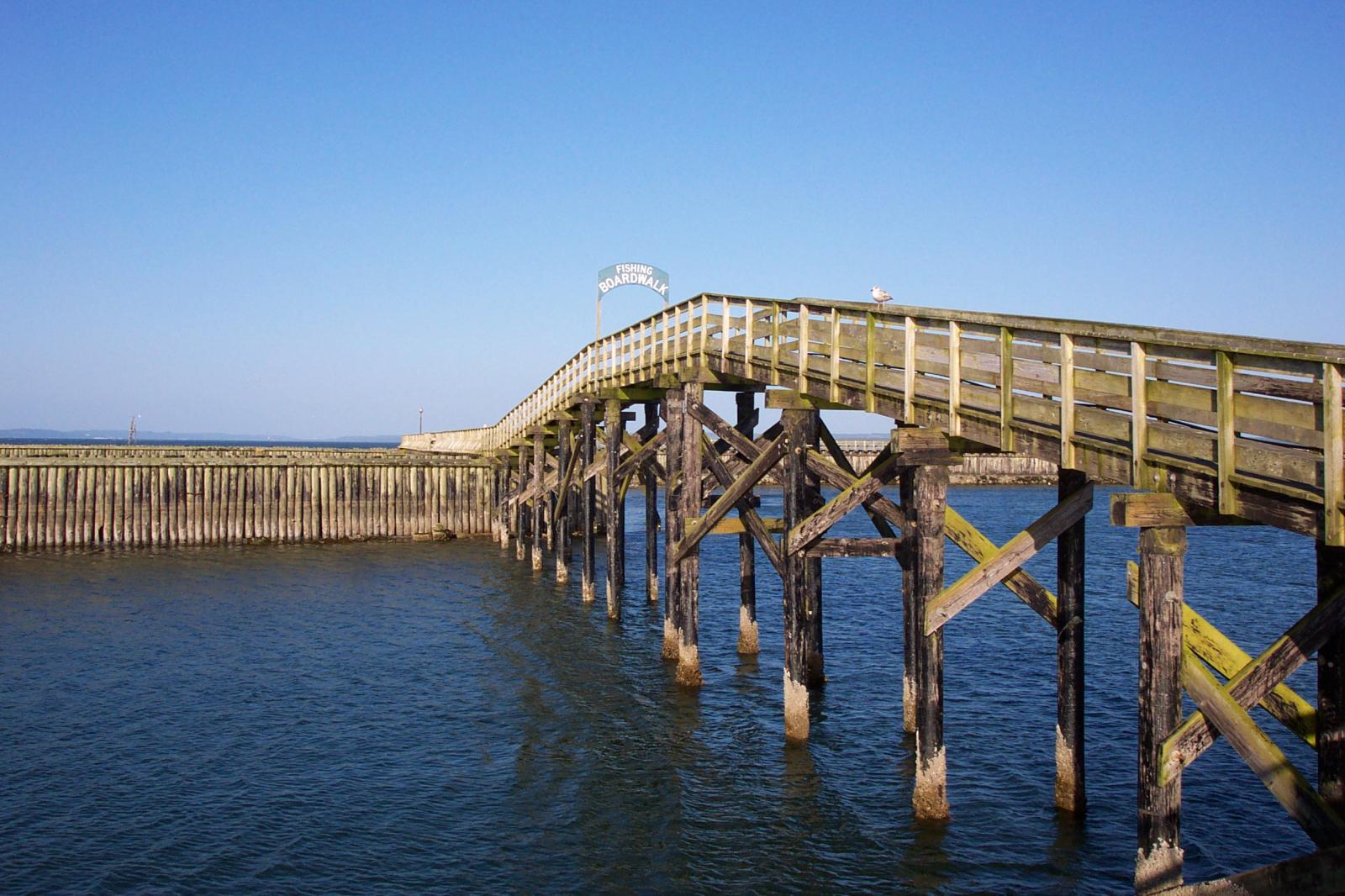
Boardwalk at Westport, WA 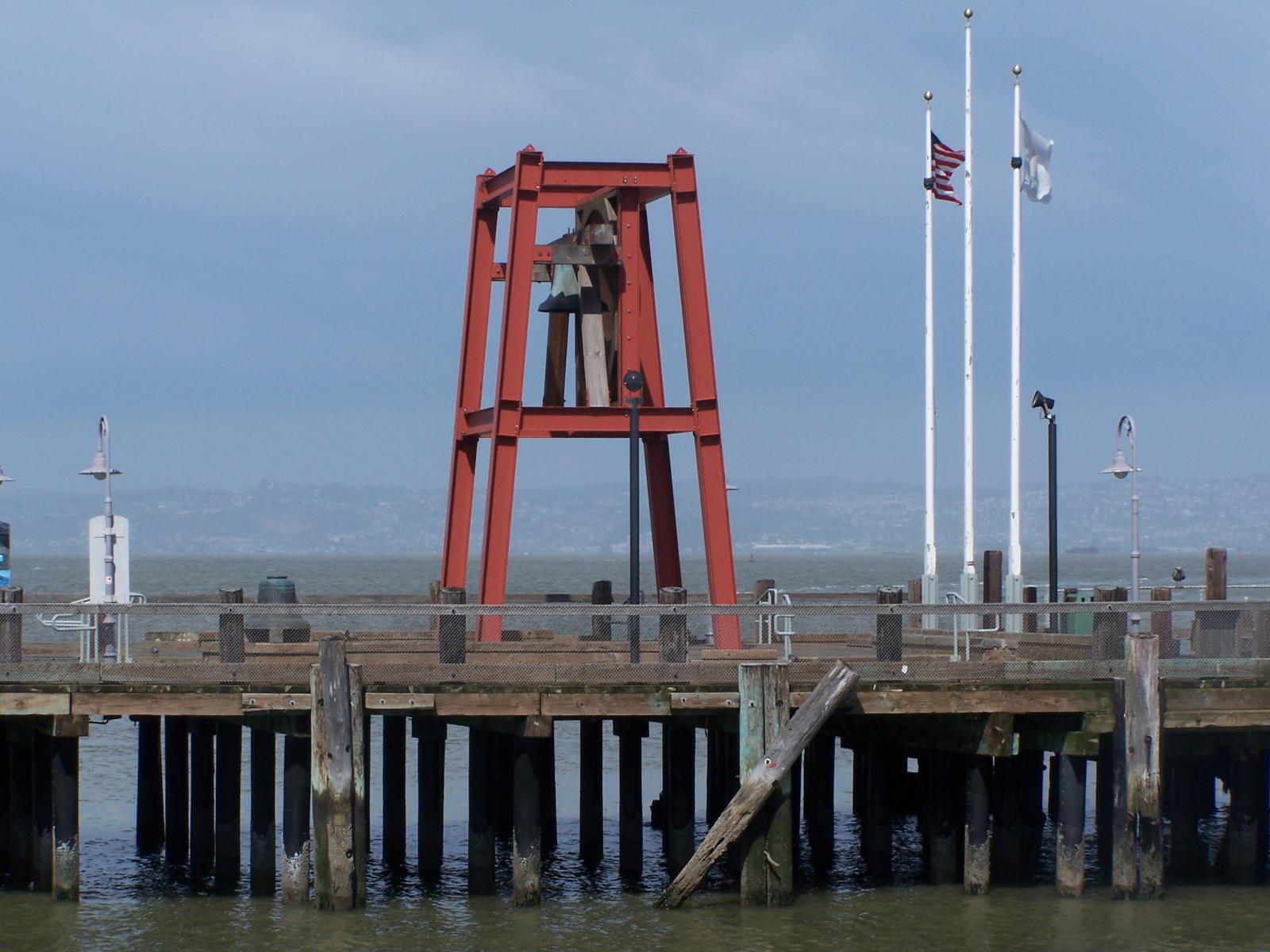
Bell on wharf in San Francisco 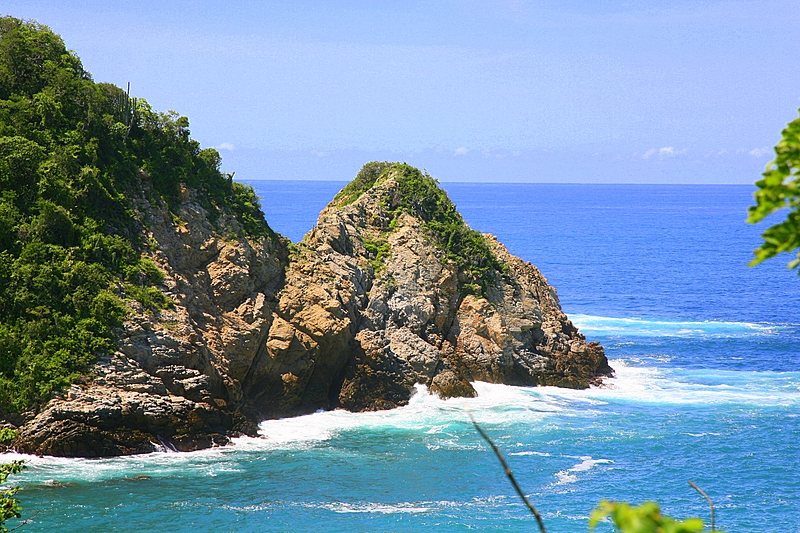
Coastline in Huatulco, Oaxaca, Mexico


Boat BW PB Barco Texture Beautiful Fishing
Some more text for taking up space.
A two column gallery, aligned to the left, linked to media file.
In the editor, the image captions can be edited directly by clicking on the text.
If the number of images cannot be divided into the number of columns you have selected, the default is to have the last image(s) automatically stretch to the width of your gallery.
A four column gallery with a wide width:
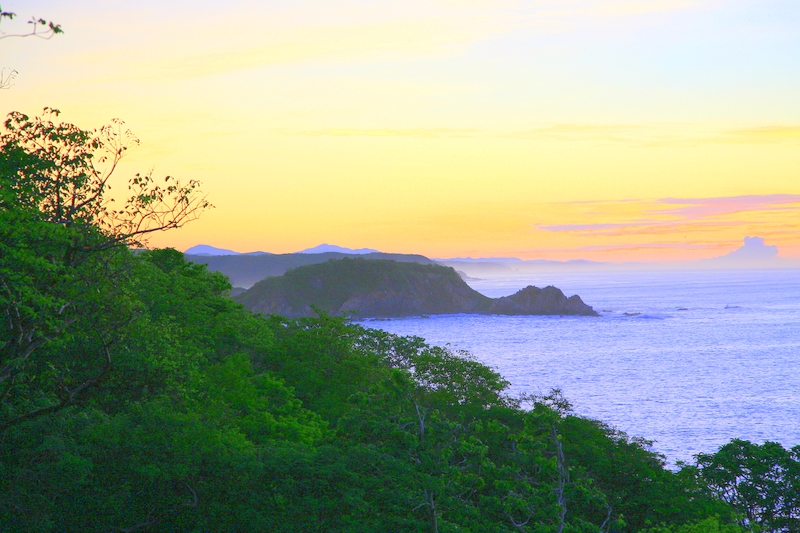
Sunrise over the coast in Huatulco, Oaxaca, Mexico Lorem ipsum dolor sit amet, consectetuer adipiscing elit. Donec mollis. Quisque convallis libero in sapien pharetra tincidunt. Aliquam elit ante, malesuada id, tempor eu, gravida id, odio. Maecenas suscipit, risus et eleifend imperdiet, nisi orci ullamcorper massa, et adipiscing orci velit quis magna. 
A five column gallery with normal images:


This is the same gallery, but with cropped images.
Six columns: does it work at all window sizes?
Boardwalk at Westport, WA 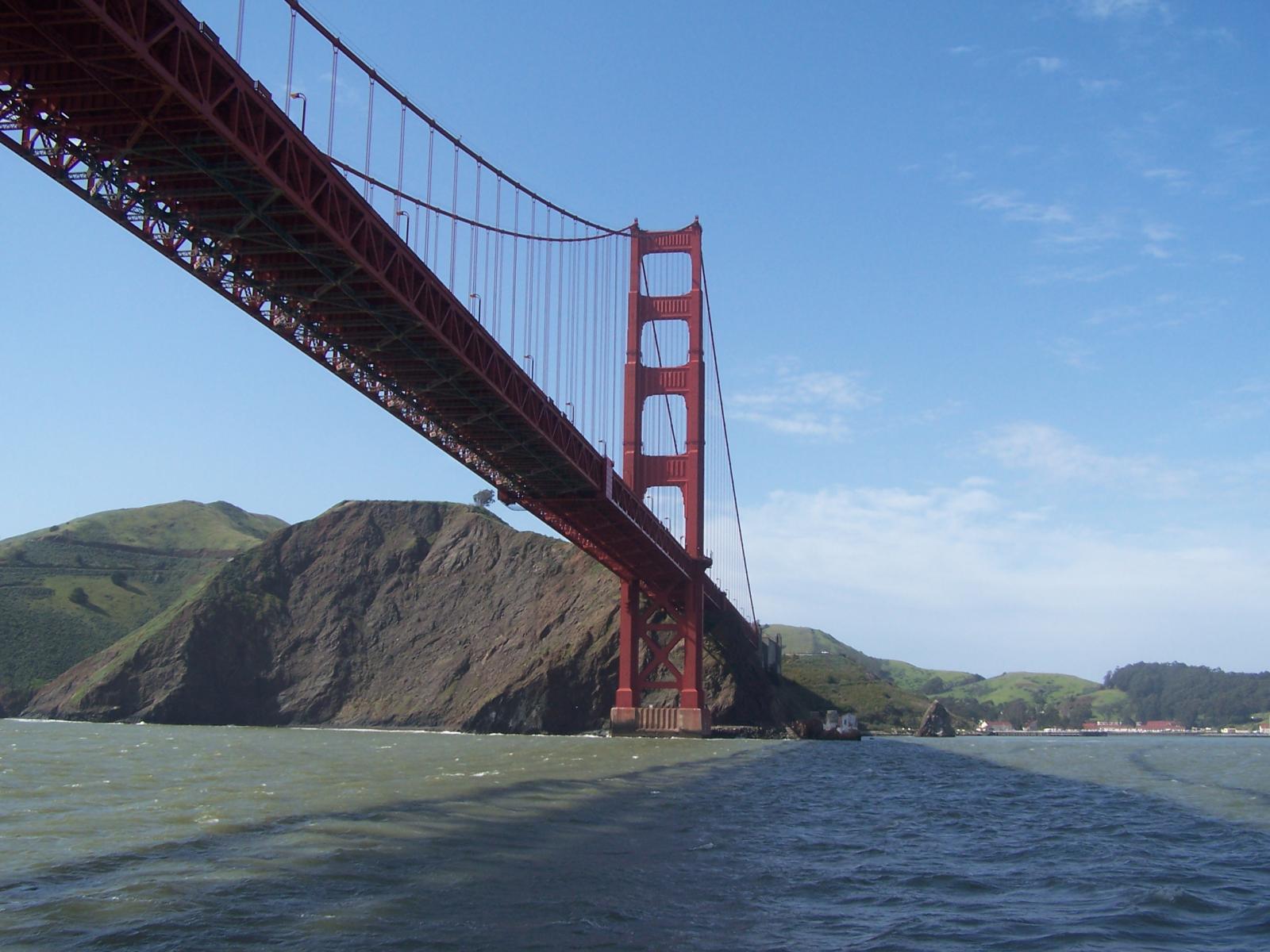
Golden Gate Bridge 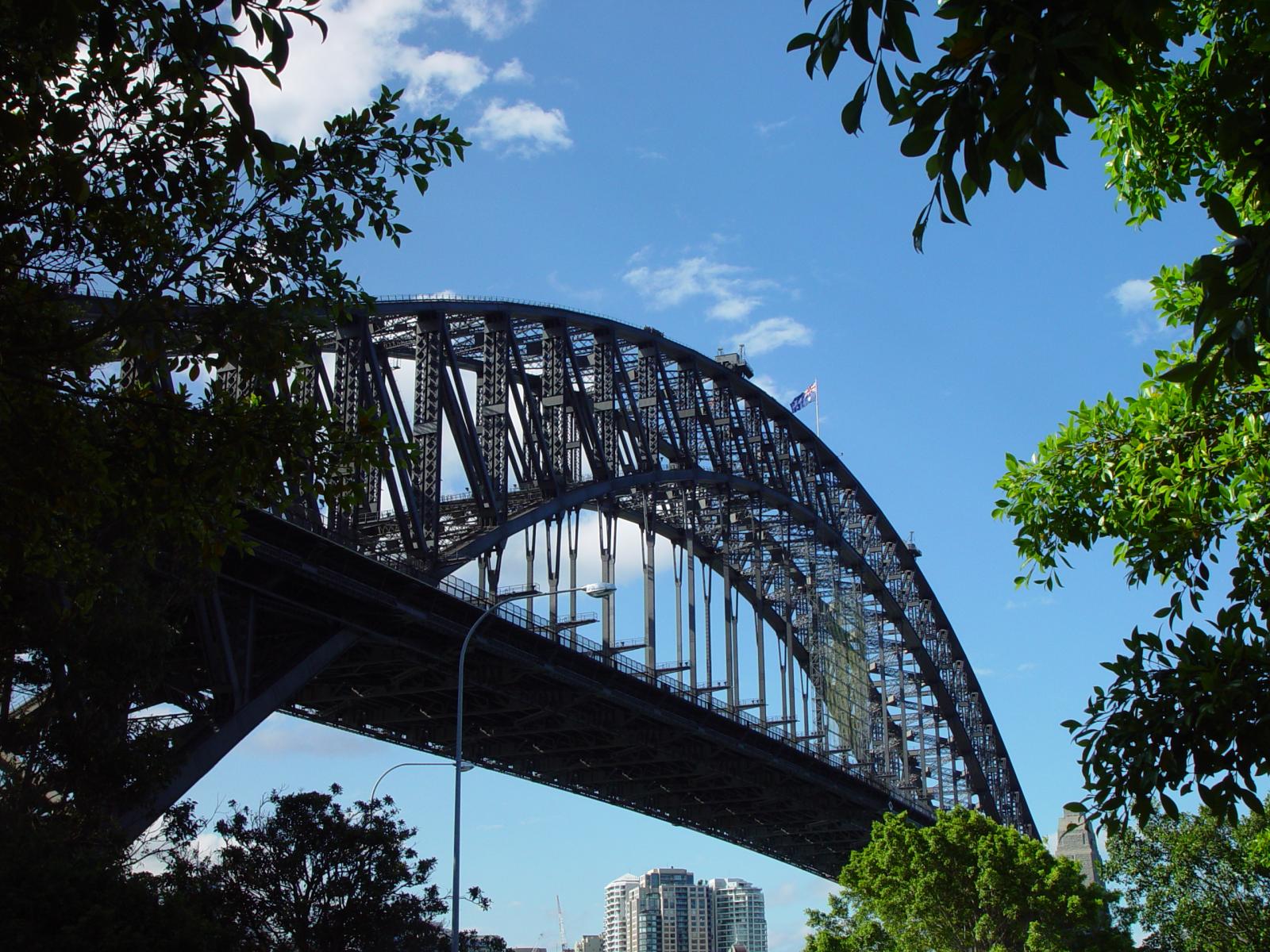
Sydney Harbor Bridge Bell on wharf in San Francisco 
Rusty rails with fishplate, Kojonup 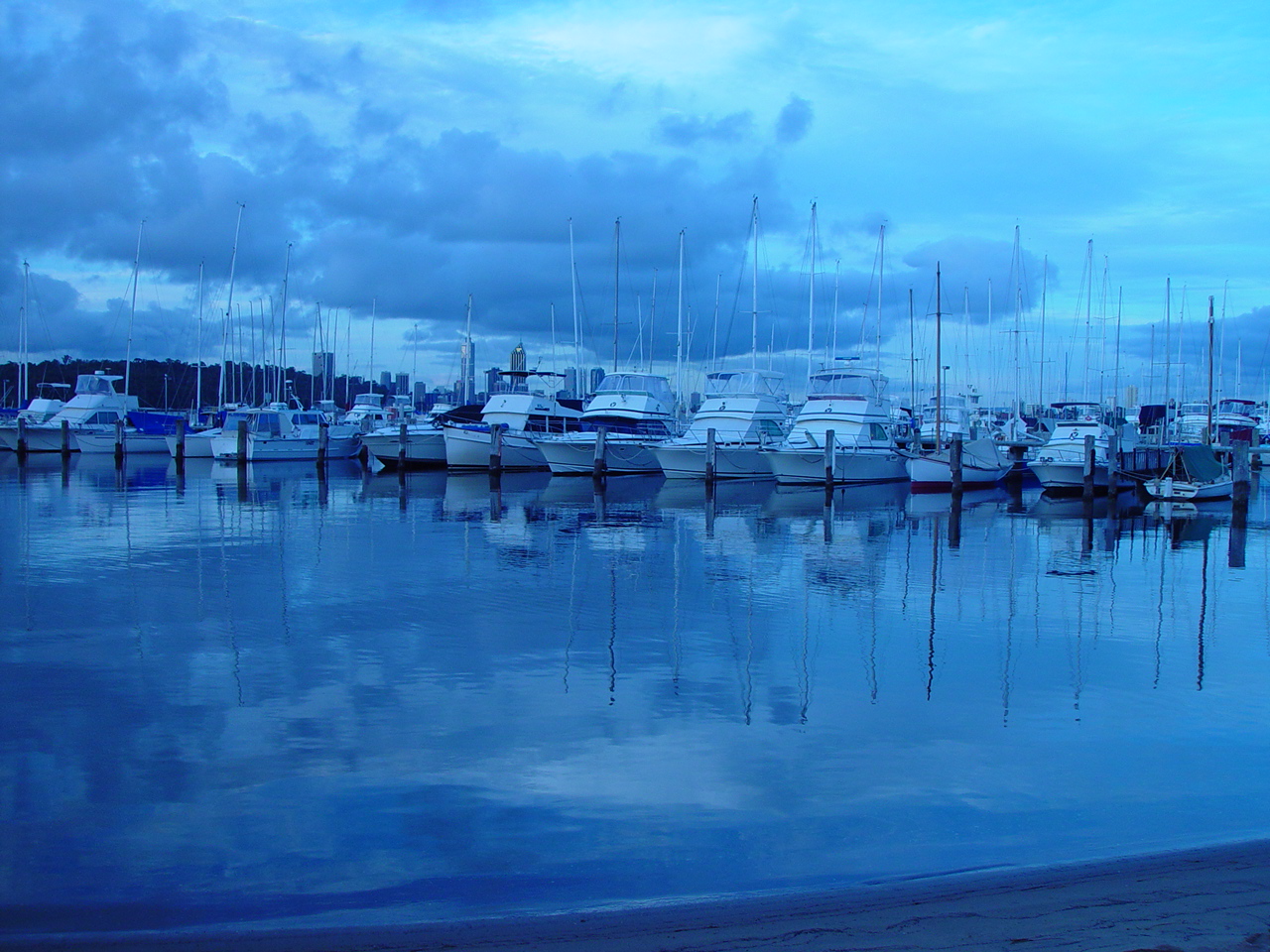
Boats and reflections, Royal Perth Yacht Club 
Antique farm machinery, Mount Barker Museum, Western Australia 
Raindrop ripples on a pond 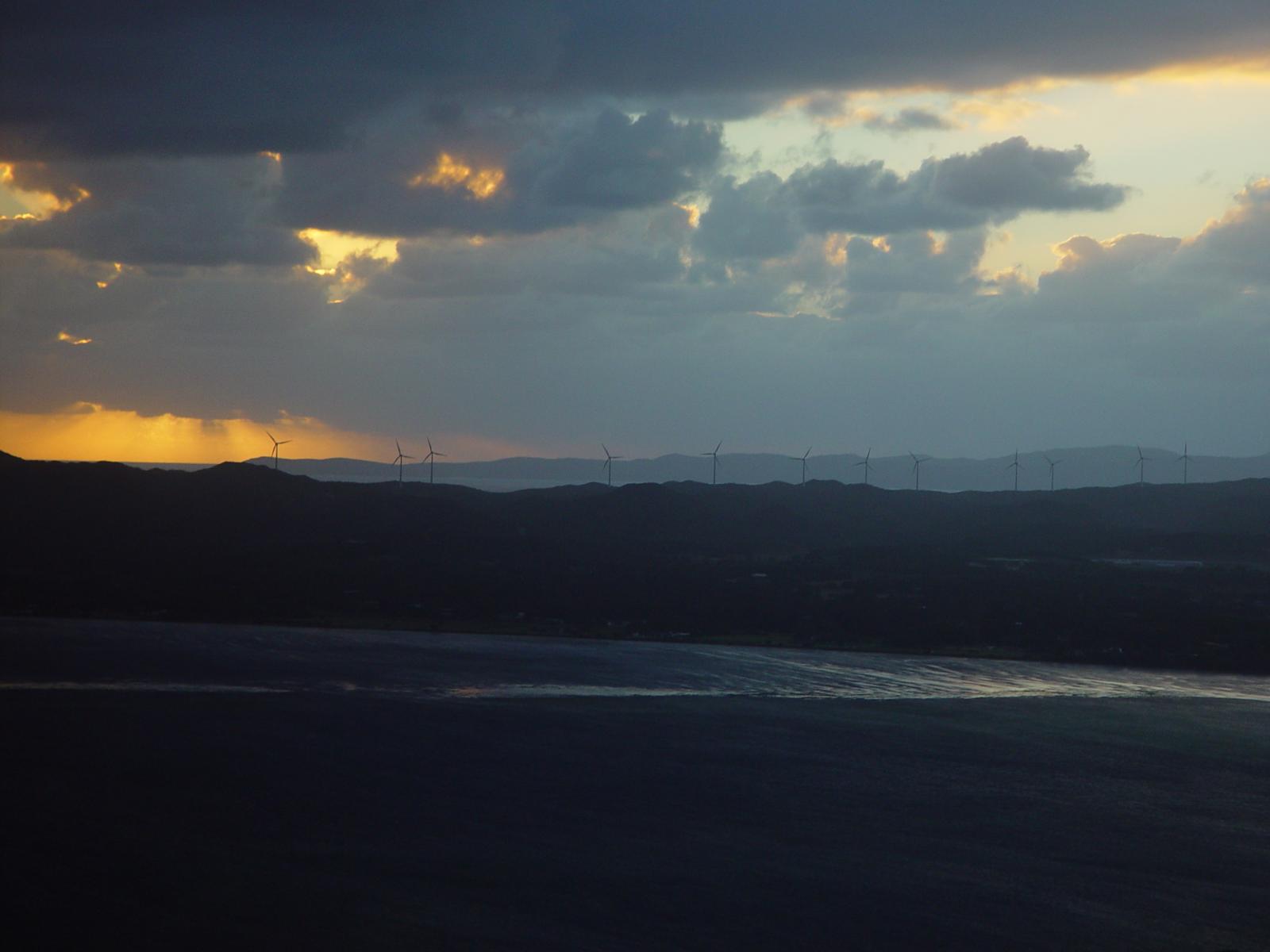
Albany wind-farm against the sunset, Western Australia Lorem ipsum dolor sit amet, consectetuer adipiscing elit. Donec mollis. Quisque convallis libero in sapien pharetra tincidunt. Aliquam elit ante, malesuada id, tempor eu, gravida id, odio. Maecenas suscipit, risus et eleifend imperdiet, nisi orci ullamcorper massa, et adipiscing orci velit quis magna. 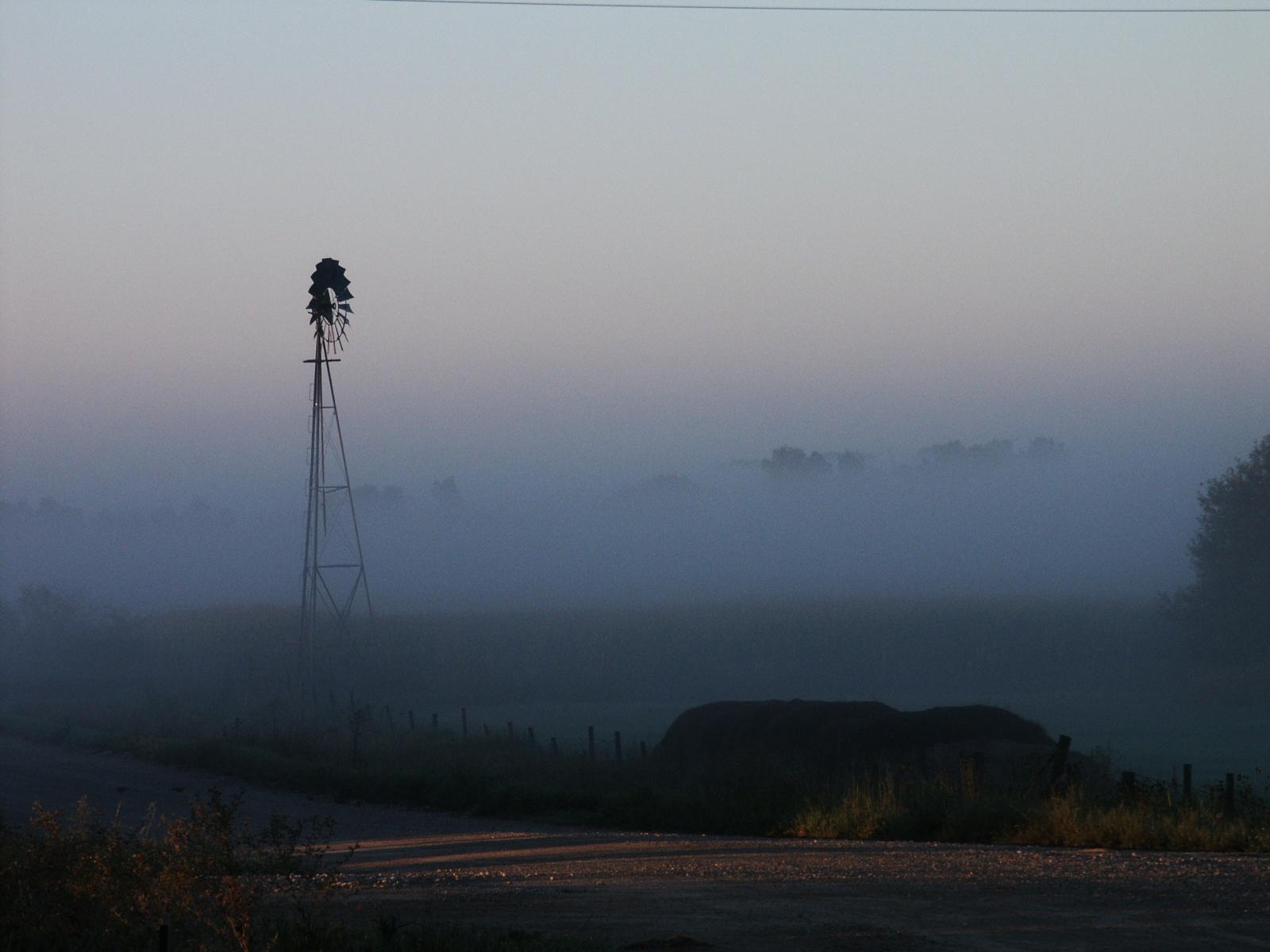
Windmill shrouded in fog at a farm outside of Walker, Iowa 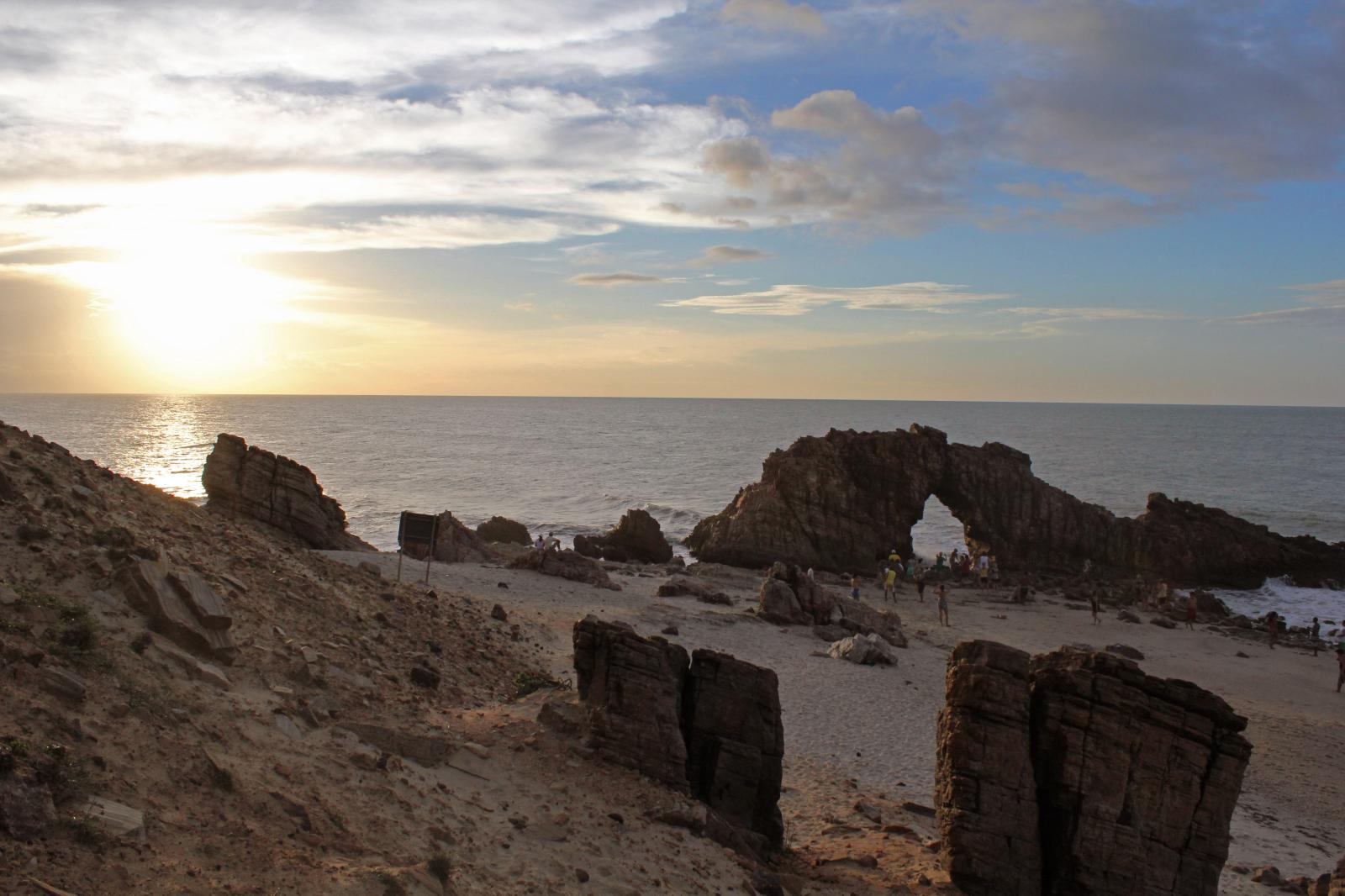
Jericoacoara Ceara Brasil Sunrise over the coast in Huatulco, Oaxaca, Mexico
Seven columns: how does this look on a narrow window?

It’s dangerous to go alone! Take this. Boat BW PB Barco Texture Beautiful Fishing Coastline in Huatulco, Oaxaca, Mexico Jericoacoara Ceara Brasil Sunrise over the coast in Huatulco, Oaxaca, Mexico 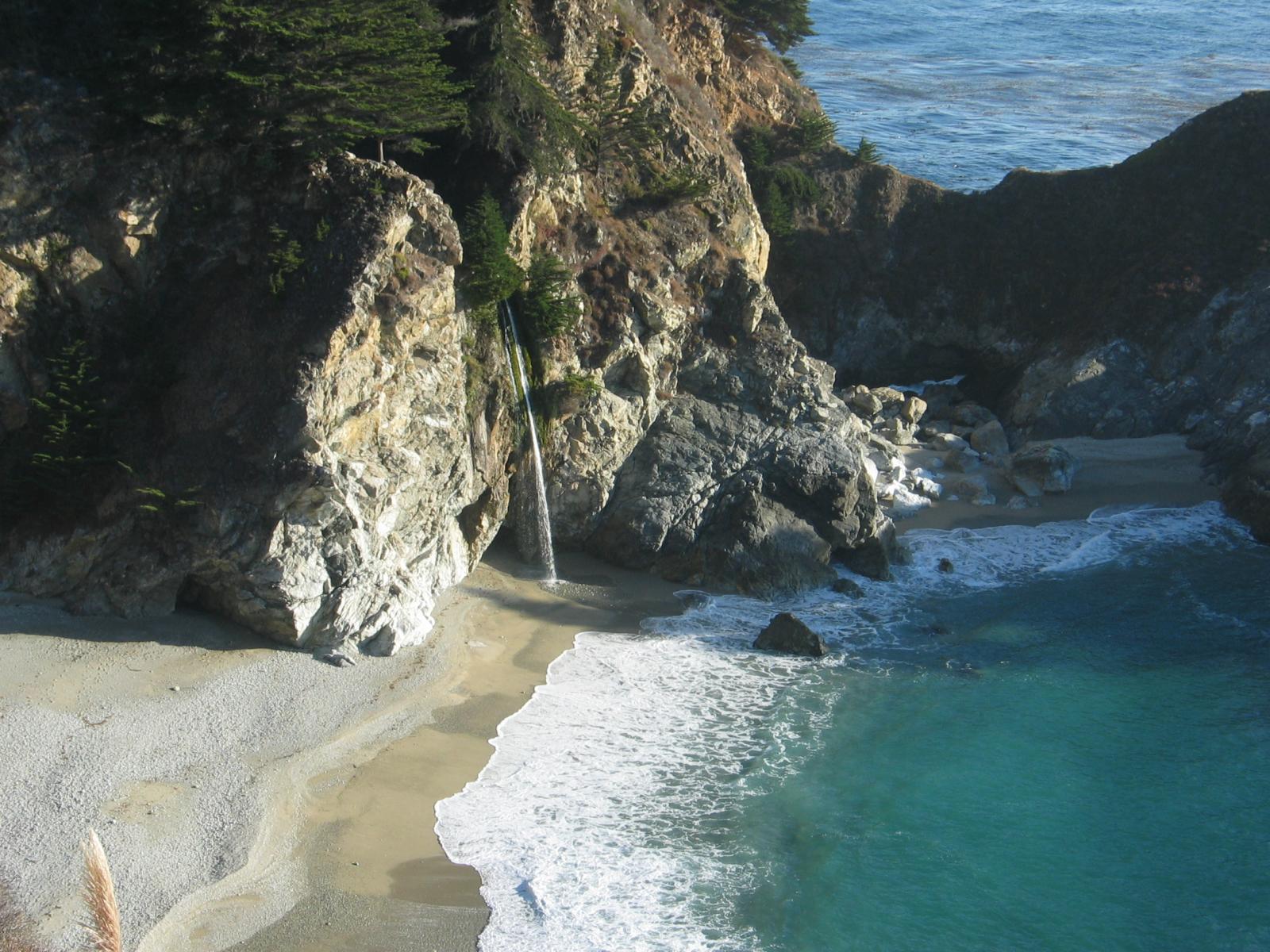
Beach at Big Sur, CA Windmill shrouded in fog at a farm outside of Walker, Iowa 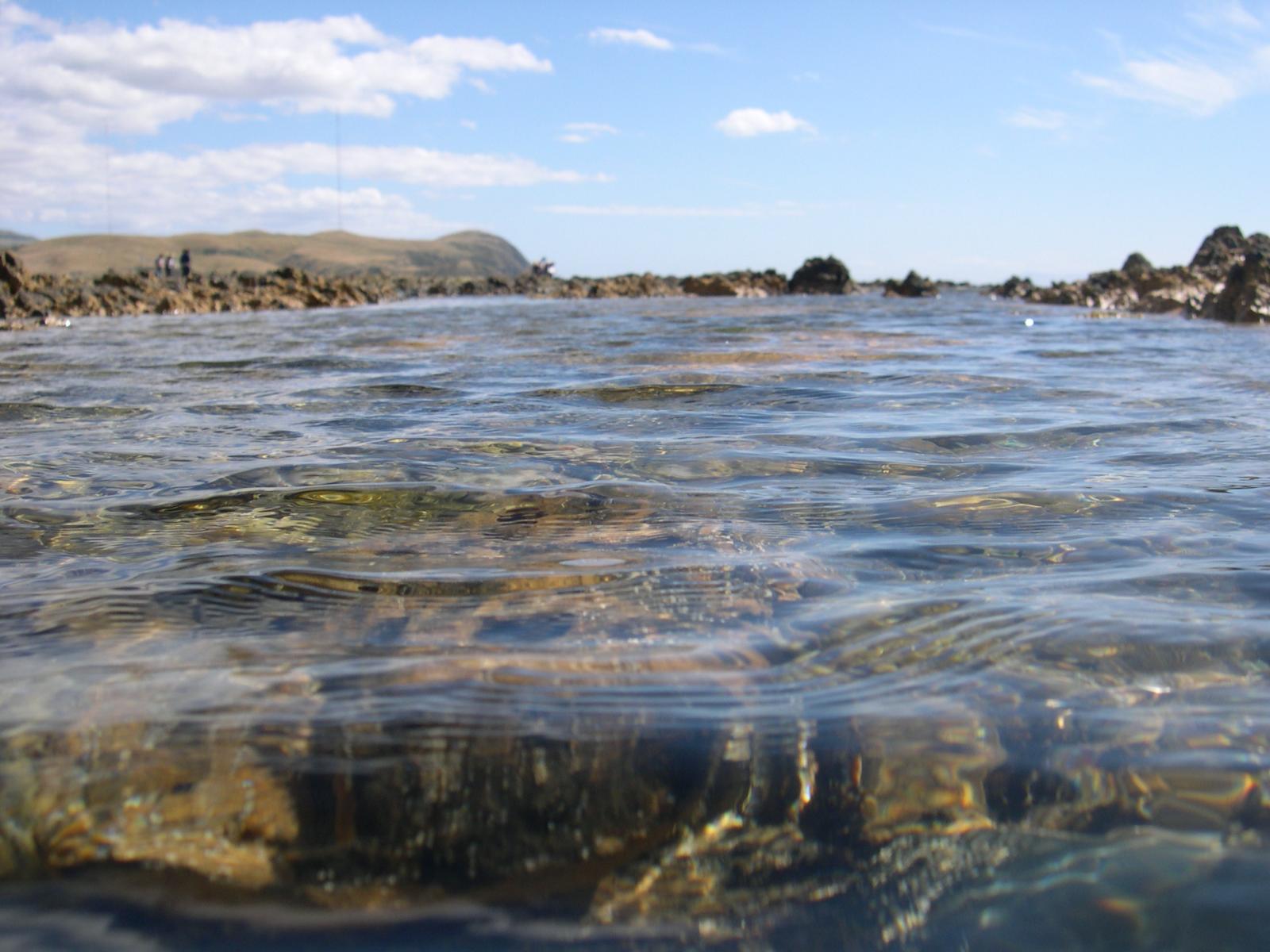
Sea and rocks, Plimmerton, New Zealand Rusty rails with fishplate, Kojonup
Eight columns:
Lorem ipsum dolor sit amet, consectetuer adipiscing elit. Donec mollis. Quisque convallis libero in sapien pharetra tincidunt. Aliquam elit ante, malesuada id, tempor eu, gravida id, odio. Maecenas suscipit, risus et eleifend imperdiet, nisi orci ullamcorper massa, et adipiscing orci velit quis magna. Boardwalk at Westport, WA Golden Gate Bridge Antique farm machinery, Mount Barker Museum, Western Australia Orange Iris Albany wind-farm against the sunset, Western Australia Bell on wharf in San Francisco Sydney Harbor Bridge Raindrop ripples on a pond Boat BW PB Barco Texture Beautiful Fishing Boats and reflections, Royal Perth Yacht Club Rusty rails with fishplate, Kojonup Sea and rocks, Plimmerton, New Zealand Coastline in Huatulco, Oaxaca, Mexico
This page tests how the theme displays the columns block. The first block tests a two column block with paragraphs.
This is the second column. It should align next to the first column. Reduce the browser window width to test the responsiveness.
This is the second column block. It has 3 columns.
Paragraph 2 is in the middle.
Paragraph 3 is in the last column.
The third column block has 4 columns. Make sure that all the text is visible and that it is not cut off.
Now the columns are getting narrower.
The margins between the columns should be wide enough,
so that the content of the columns does not run into or overlap each other.
Column one.
Column two.
Column three.
Column four.
Column five.
To change the number of columns, select the column block to open the settings panel. You can show up to 6 columns. If the theme has support for wide align, you can also set the alignments to wide and full width.
Below is a column block with six columns, and no alignment:
Column one.
Column two.
Column three.
Column four.
Column five.
Column six.
Next is a 3 column block, with a wide alignment:
Column one.
Column two.
Column three.
And here is a two column block with full width, and a longer text. Make sure that the text wraps correctly.
This is column one. Sometimes, you may want to use columns to display a larger text, so, lets add some more words. Lorem ipsum dolor sit amet, consectetuer adipiscing elit. Donec mollis. Quisque convallis libero in sapien pharetra tincidunt. Aliquam elit ante, malesuada id, tempor eu, gravida id, odio. Maecenas suscipit, risus et eleifend imperdiet, nisi orci ullamcorper massa, et adipiscing orci velit quis magna. Praesent sit amet ligula id orci venenatis auctor. Phasellus porttitor, metus non tincidunt dapibus, orci pede pretium neque, sit amet adipiscing ipsum lectus et libero. Aenean bibendum. Curabitur mattis quam id urna. Vivamus dui. Donec nonummy lacinia lorem. Cras risus arcu, sodales ac, ultrices ac, mollis quis, justo. Sed a libero. Quisque risus erat, posuere at, tristique non, lacinia quis, eros.
Column two. Cras volutpat, lacus quis semper pharetra, nisi enim dignissim est, et sollicitudin quam ipsum vel mi. Sed commodo urna ac urna. Nullam eu tortor. Curabitur sodales scelerisque magna. Donec ultricies tristique pede. Nullam libero. Nam sollicitudin felis vel metus. Nullam posuere molestie metus. Nullam molestie, nunc id suscipit rhoncus, felis mi vulputate lacus, a ultrices tortor dolor eget augue. Aenean ultricies felis ut turpis. Lorem ipsum dolor sit amet, consectetuer adipiscing elit. Suspendisse placerat tellus ac nulla. Proin adipiscing sem ac risus. Maecenas nisi. Cras semper.
We can also add blocks inside columns:
- This is a numbered list,
- inside a 3 column block
- with a wide alignment.
The middle column has a paragraph with an image block below.
-This third column has a quote
Theme Reviewer
But wait there is more! We also have a block called Media & Text, which is a two column block that helps you display media and text content next to each other, without having to first setup a column block:
Media & Text
A paragraph block sits ready to be used, below your headline.